सच: Bedrock के पास Traditional Modpacks नहीं हैं
Java Edition में modpacks हैं — 50-200 mods के bundle जो CurseForge या Modrinth जैसे launchers से एक क्लिक में इंस्टॉल होते हैं। Forge/Fabric यह संभव बनाते हैं।

Bedrock Edition के पास कोई समतुल्य नहीं है। कोई Forge नहीं। कोई mod loader नहीं। कोई one-click bundles नहीं। हर addon अलग से इंस्टॉल होता है।
यह एक वास्तविक सीमा है। लेकिन विकल्प मौजूद हैं।
विकल्प 1: अपना Addon Collection बनाएं
Bedrock एक साथ कई addons को सपोर्ट करता है। आप एक दुनिया में 5, 10, या अधिक को सक्रिय कर सकते हैं — प्रभावी रूप से अपना खुद का modpack बना सकते हैं।
फायदे:
- आप बिल्कुल यह चुनते हैं कि क्या शामिल है
- उन mods से कोई अतिरिक्त सामग्री नहीं जो आप नहीं चाहते
- जोड़ने के साथ ही compatibility का परीक्षण करें
ऐसे करें:
- एक theme/playstyle चुनें
- हमारे collection से 3-5 addons डाउनलोड करें
- हर एक को import करें (install guide)
- सभी को world settings में सक्रिय करें (Behavior + Resource Packs)
- conflicts के लिए परीक्षण करें
विकल्प 2: Pre-Modded Maps
कुछ creators addons को .mcworld फाइलों में bundle करते हैं — एक फाइल डाउनलोड करें, world + सभी configured addons प्राप्त करें।
किसके लिए अच्छा है: Adventure maps, challenge worlds, showcases। सीमा: Creator की दुनिया तक सीमित; addons को आसानी से extract नहीं कर सकते।
अनुशंसित Addon Combos
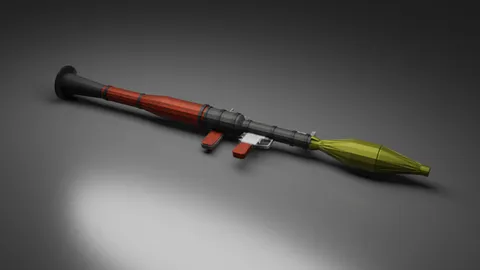
Combat Pack: Gun mod + vehicle mod + mob addon + military texture। Minecraft को survival shooter में बदलता है।
Fantasy RPG Pack: Dragon/creature mobs + ore mod + medieval furniture + themed texture। D&D-style adventure।
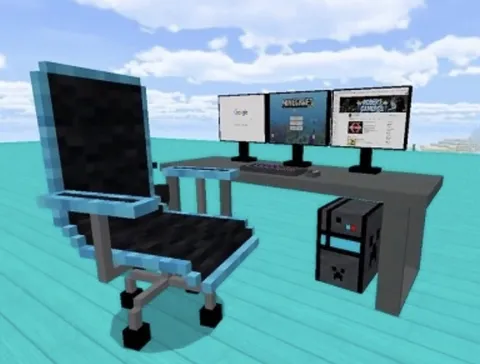
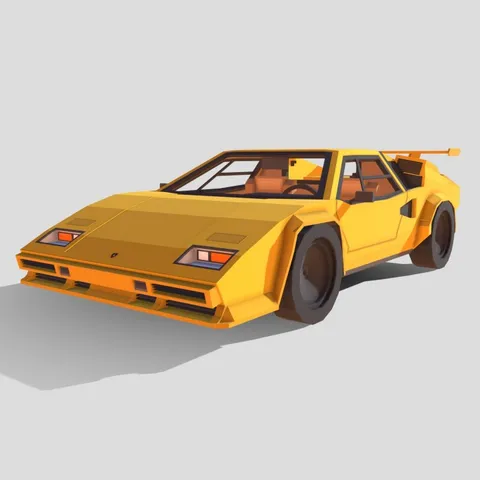
Modern Life Pack: Modern furniture + vehicles + building blocks + stylish skins। The Sims meets Minecraft।
Survival Challenge Pack: New ores + custom mobs + challenge map + realistic texture। Deeper vanilla-plus survival।
अपना combo बनाना शुरू करने के लिए नीचे categories को browse करें।
आप कितने Addons चला सकते हैं?
| Device | अनुशंसित Addons |
|---|---|
| High-end (iPhone 15, iPad Pro, gaming PC) | 8-15 |
| Mid-range (iPhone 12/13, typical Android) | 5-8 |
| Budget/older devices | 2-4 |
Performance tips:
- Render distance कम करें (8 chunks memory मुक्त करता है)
- Fancy graphics को disable करें
- Redundant addons से बचें (दो gun mods resources बर्बाद करते हैं)
- Install करने के बाद Minecraft को restart करें
Conflicts को Manage करना
जब addons conflict करते हैं, तो pack order मायने रखता है। List में ऊपर = higher priority।
Common conflicts:
- दो addons same mob को modify करते हैं → top pack जीतता है
- Same item name → एक renders, एक breaks
- Texture conflicts → top pack की texture दिखाई देती है
Best practice: विभिन्न categories से addons को combine करें (gun + furniture + texture = कोई conflict नहीं)।
Marketplace का विकल्प
Minecraft Marketplace mashup packs बेचता है — textures + skins + maps bundled। पूर्ण modpacks नहीं (कोई नया gameplay mechanics नहीं), लेकिन सबसे निकट official विकल्प।
Pros: गारंटीकृत compatibility, one-click install। Cons: Minecoins की लागत; visual changes तक सीमित।
actual gameplay changes के साथ free विकल्प के लिए, हमारे 500+ mods बहुत अधिक विविधता प्रदान करते हैं।
अपना पहला Collection बनाएं
- एक popular mod से शुरू करें
- 15 मिनट खेलें यह सीखने के लिए कि यह क्या जोड़ता है
- विभिन्न category से complementary addon जोड़ें
- Conflicts के लिए 10 मिनट परीक्षण करें
- दोहराएं — एक बार में एक जोड़ें
- संतुष्ट होने पर world save को back up करें
Install guide → | Best mods guide →
उज्ज्वल पक्ष
कोई traditional modpacks नहीं मतलब:
- कोई bloat नहीं — आप केवल वह चुनते हैं जो आप चाहते हैं
- कोई dependencies नहीं — हर addon independently काम करता है
- पूर्ण नियंत्रण — स्वतंत्र रूप से mix and match करें
Buffet की तरह सोचें, fixed menu नहीं। बिल्कुल वह अनुभव बनाएं जो आप चाहते हैं।
अपना custom collection शुरू करने के लिए 500+ free mods को browse करें।