How to Download and Install Minecraft Mods on Bedrock Edition (2026)
教程January 8, 20262 min read

How to Download and Install Minecraft Mods on Bedrock Edition (2026)

Bedrock Mod 文件类型

Minecraft mod file types

文件 包含内容 使用场景
.mcpack 单个资源包或行为包 纹理、声音或游戏逻辑
.mcaddon 资源包 + 行为包捆绑 大多数 mod(家具、生物、载具)
.mcworld 包含 pack 的完整世界 冒险地图、预制世界

所有格式都可直接导入 Minecraft — 无需第三方软件。

500+ 免费 Mod 已准备好下载

浏览我们完整的免费 Minecraft Bedrock mod 合集 — 家具、载具、生物、枪械、地图等。全部已在 1.21 版本测试。

浏览全部 Mod →

快速安装(全平台)

  1. 下载 我们合集中的 mod
  2. 点击/轻触 文件 — Minecraft 打开并导入
  3. 在世界设置中激活(行为包 + 资源包)
  4. 启用实验性功能(如 mod 需要)
  5. 开始游戏

对于 .mcworld 文件,该世界会出现在你的列表中,随时可用。

平台特定说明

iOS

轻触下载 → Safari 显示文件 → 轻触在 Minecraft 中打开。如有提示,使用共享 → "在 Minecraft 中打开"。

完整 iOS 指南 →

Android

从通知或下载文件夹轻触下载的文件 → Minecraft 导入。

完整 Android 指南 →

Windows

双击文件 → Minecraft 启动并导入。

如需完整的 Windows 指南,涵盖文件位置、Minecraft 启动器与微软商店对比和高级故障排除,请查看我们的 Windows mod 指南 →

按平台的指南

平台 快速安装 详细指南 浏览 Mod
iOS / iPhone / iPad 轻触 → 共享 → Minecraft iOS 指南 → iOS mod →
Android 轻触下载的文件 Android 指南 → Android mod →
Windows 10/11 双击文件 Windows 指南 → Windows mod →

皮肤安装

皮肤安装过程与 mod 不同。查看我们专门的 皮肤安装指南 → 了解平台特定步骤。

激活 Mod

导入后,mod 会被保存但不活跃。要使用它们:

  1. 创建新世界(或编辑现有世界)
  2. 滚动到 行为包 → 轻触 mod → 激活
  3. 滚动到 资源包 → 轻触 mod → 激活
  4. 对于 .mcaddon 文件,激活两个包

启用实验性功能

某些 mod 使用实验性 Minecraft 功能。在世界设置中,滚动到 实验性功能 并启用:

  • 假日创意者功能 — 大多数自定义物品/方块必需
  • 即将推出的创意者功能 — 最新的 Bedrock API

如果 mod 安装后似乎未激活,请尝试启用这些切换。

故障排除

问题 解决方案
"导入失败" 重新下载;检查网络连接是否稳定
Mod 已导入但游戏中无显示 激活行为包和资源包
物品不在创意模式物品栏中 启用假日创意者功能实验性功能
游戏崩溃 停用最新 mod;逐个测试
文件无法在 Minecraft 中打开 使用共享表单 (iOS) 或"打开方式" (Android)

详细平台指南:iOS | Android

推荐首批 Mod

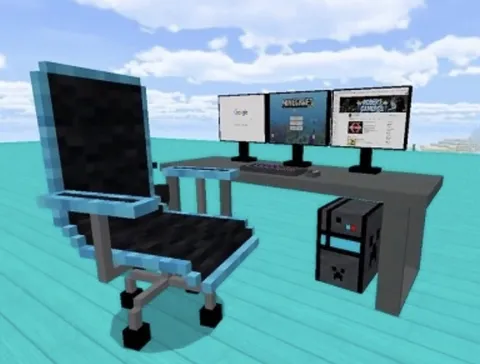
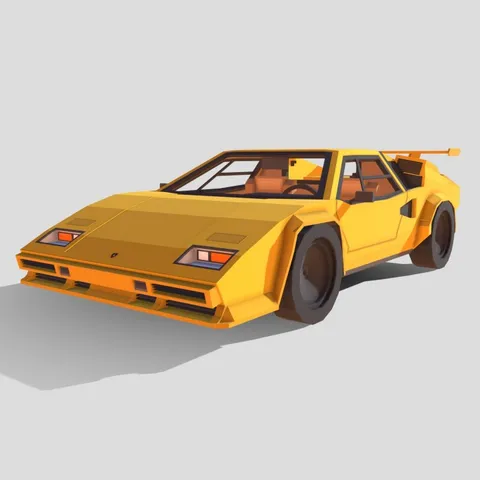
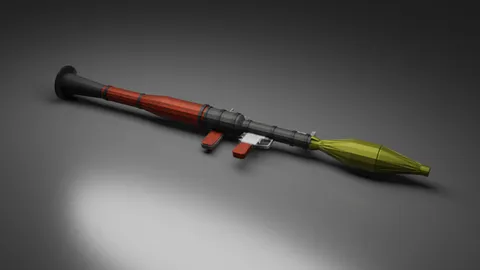
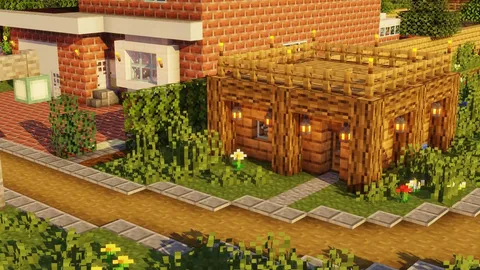
从经过充分测试的类别开始。这些对新 modder 最受欢迎 — 可靠、风险低、视觉效果高。

安全提示

合法的 Bedrock mod 仅使用 .mcpack.mcaddon.mcworld 格式。永远不要下载:

  • .exe 文件
  • .apk 文件(用于 mod)
  • 任何需要"mod 安装程序"应用的内容

Mods4Minecraft 上的 500+ mod 都经过测试且安全。

完整指南:Minecraft mod 安全吗?

常见问题

Can you get mods on Minecraft Bedrock Edition?

Yes. Minecraft Bedrock Edition supports addons (mods) through .mcpack, .mcaddon, and .mcworld files. These work on iOS, Android, Windows 10/11, and can even be accessed on consoles through Realms.

Is it safe to download Minecraft mods?

It is safe when you use trusted sources like Mods4Minecraft. All our mods are tested .mcpack and .mcaddon files that Minecraft imports natively. Avoid sites that ask you to download .exe files or install third-party apps.

Why is my mod not showing in the Add-Ons section?

First confirm you saw the Successfully imported message. Then check Settings, Storage, Resource Packs and Behavior Packs to verify installation. If the mod is there but not in Add-Ons, try creating a new world with Experiments enabled.

Do I need to pay for Minecraft Bedrock mods?

No. Thousands of free mods are available for Bedrock Edition. The Minecraft Marketplace sells premium content, but community-created addons like those on our site are free.

How do I install Minecraft mods on Windows PC?

Download the .mcpack, .mcaddon, or .mcworld file and double-click it. Minecraft will launch and import the file automatically. Then activate it in your world settings. See our detailed Windows guide for more.

Now that you know how to install mods, start exploring. Browse our collection of 500+ free Minecraft Bedrock mods across 12 categories, all tested for version 1.21.

浏览所有模组

相关文章